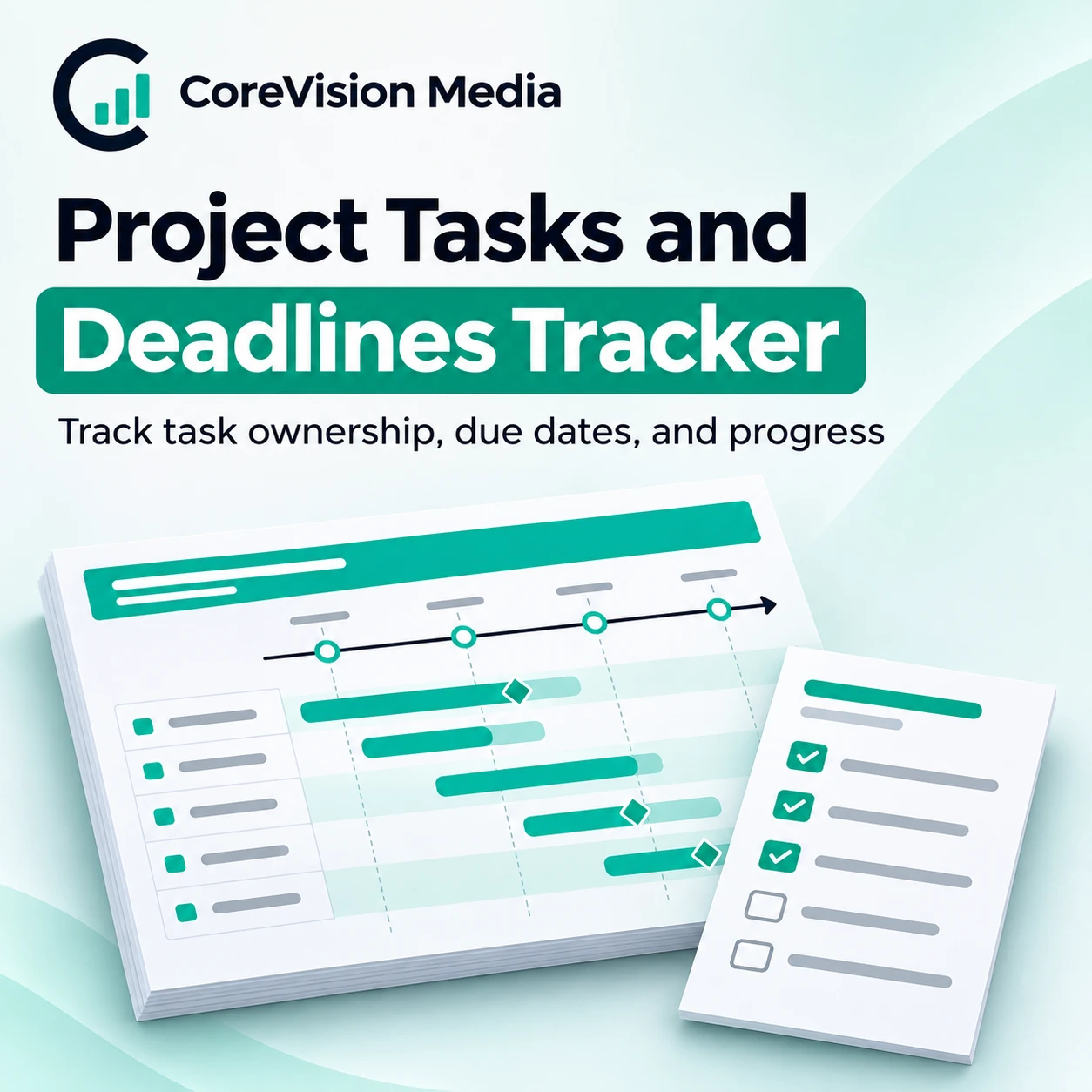
Project Tasks and Deadlines Tracker
$29.00
Keep a clear view of who owns each task, what is due next, and what could delay delivery. The tracker organizes project work for check-ins across one or several active projects.
Description
Excel project task and deadline tracker
Break longer deliverables into tasks that have a clear owner and completion condition. During a check-in, sort by due date and identify the tasks another person is waiting on. Record any revised date and confirm the effect on review, approval, and delivery milestones. After the meeting, keep the task record current so the team can see what changed.
Inputs and reporting views
- Project and task. Identify the deliverable and the action required
- Owner and due date. Assign responsibility and a review deadline
- Status. Track completed, active, and blocked work
- Dependency. Identify the work that must happen before a milestone
How to use it
- Add each task with the project, owner, due date, and status. Agree on the next visible outcome for tasks that are too broad to review in a single check-in.
- Review progress and overdue work across projects. Then narrow to one project and confirm which blocked tasks could move a milestone. Give each dependency an owner and a follow-up date.
Worked example
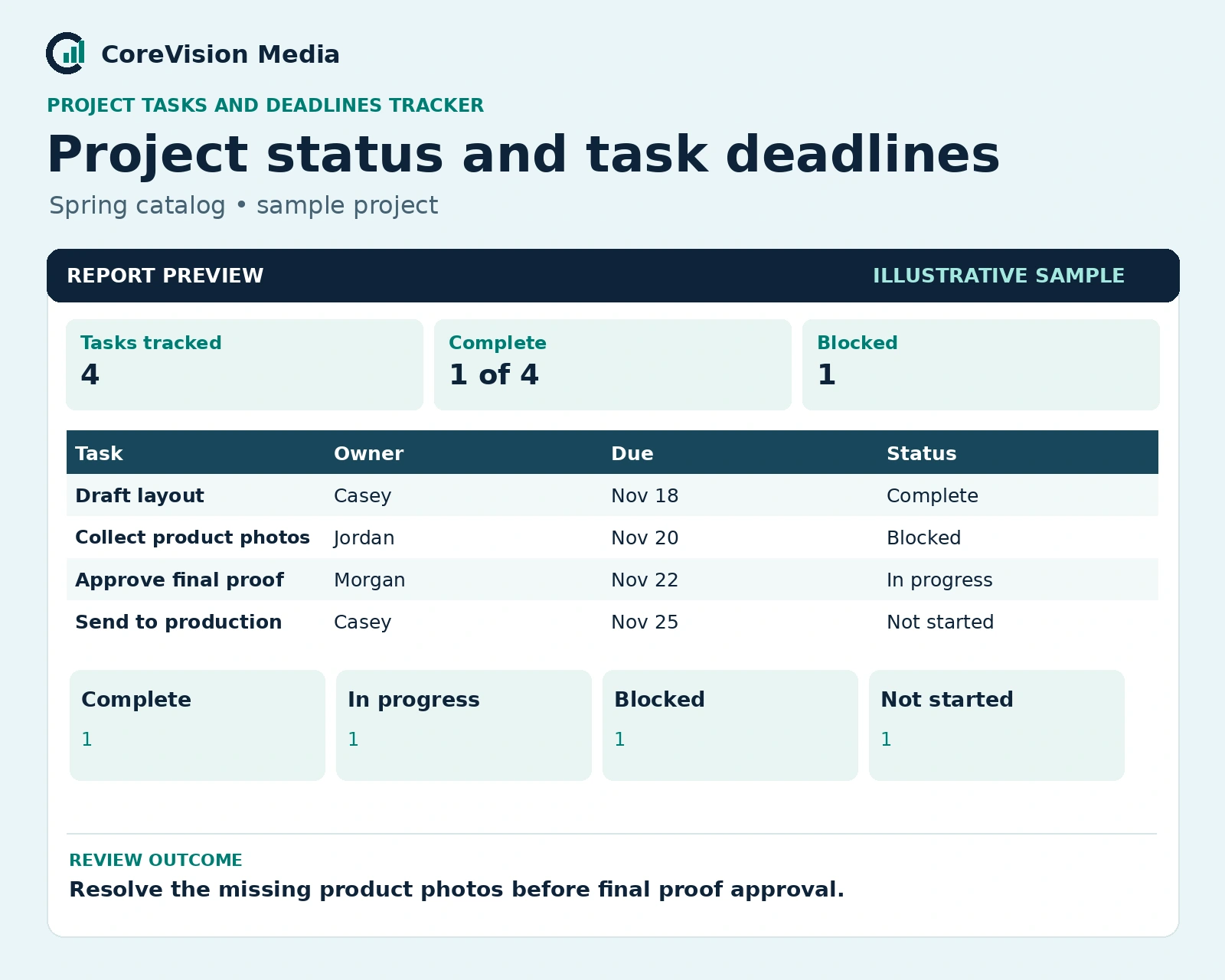
Four tasks, one blocked
If final photos are missing, mark the photo collection task blocked and review the effect on final proof approval before updating the production date.
A catalog layout is ready but the final photos are missing. Flag the layout approval as dependent on the photos, then confirm who will obtain them before the production handoff.
Who it’s for
Project owners and small teams that need a simple record of commitments and deadlines.
Frequently asked questions
Can I review one project at a time?
Use the project name on each task to distinguish a single project review from the overall workload.
How do I handle a moved deadline?
Record the revised date and confirm what happens to dependent approvals, handoffs, and delivery dates.
Related workbook: Weekly Operations Review Workbook. For product or compatibility questions, contact CoreVision Media.
Reviews
There are no reviews yet.