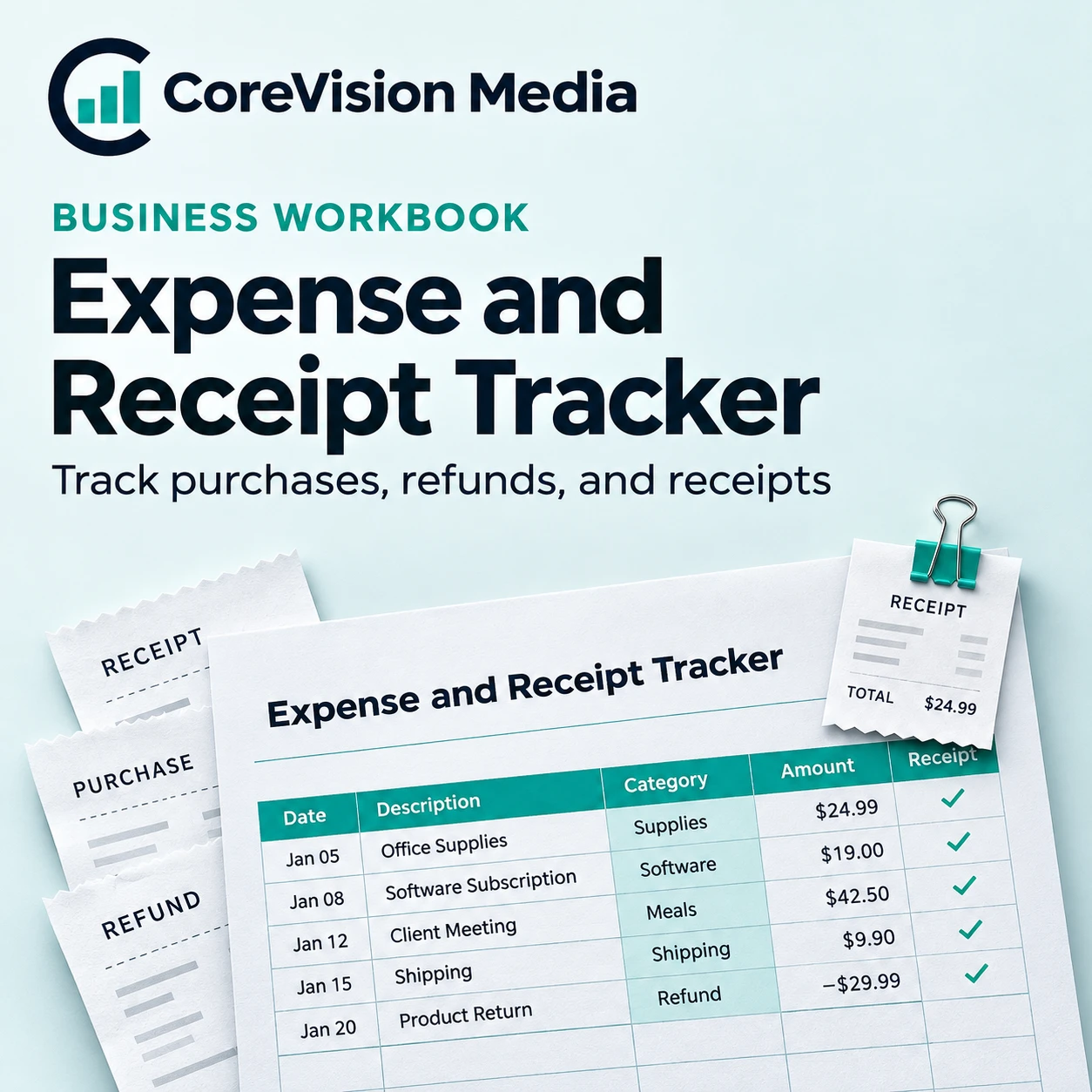
Expense and Receipt Tracker
$49.00
Record purchases, refunds, and receipt follow-ups in one workbook. Use it to review net spending by month and see which entries need supporting records or corrections before closing.
Description
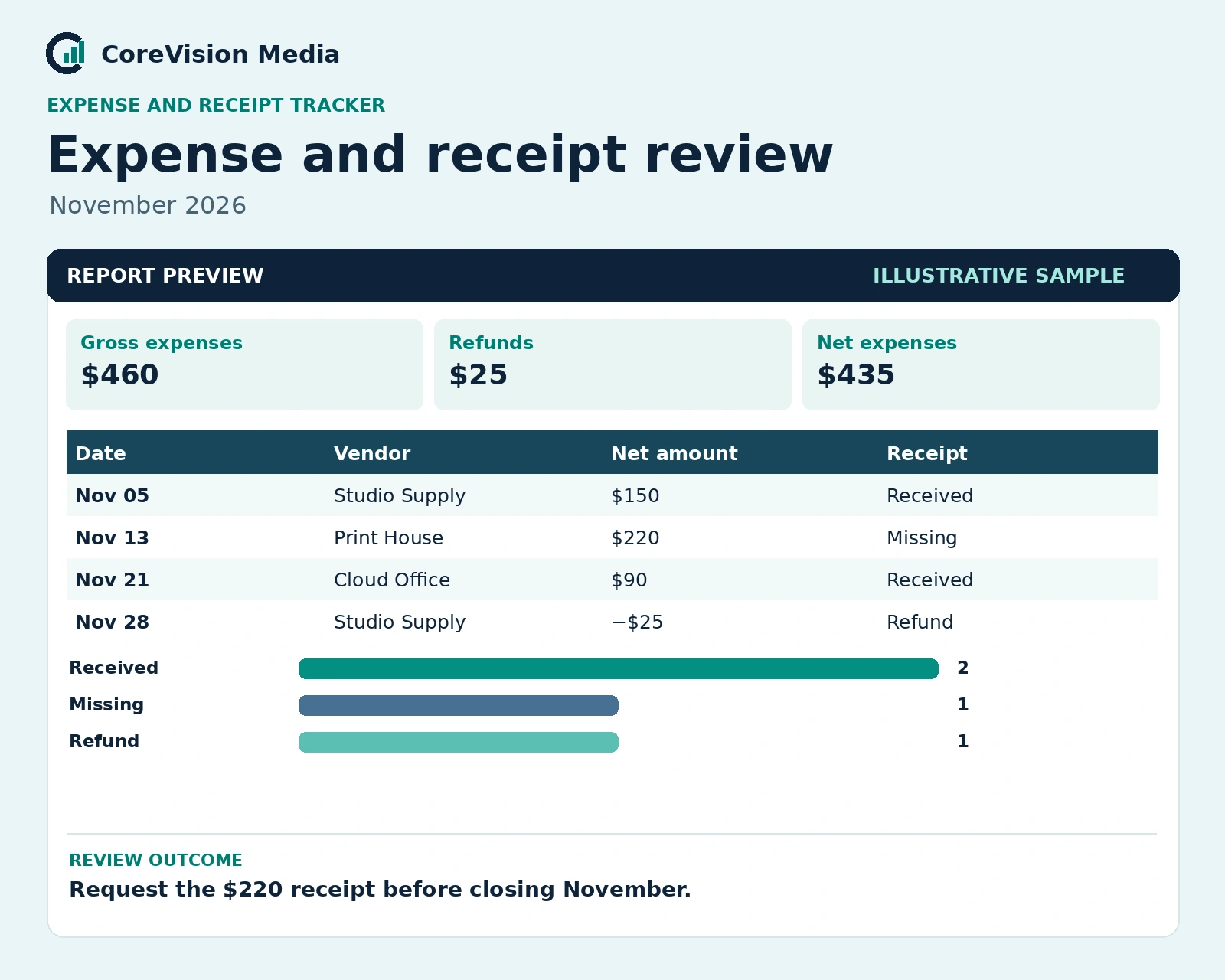
Excel expense and receipt tracker for small businesses
Check that each purchase has the right vendor, amount, and category. Review entries marked for receipt follow-up and request copies while the transactions are still recent. When a refund arrives, note the vendor and original purchase reference. Then compare net spending with the business records you use to close the month.
Inputs and reporting views
- Transaction record. Date, vendor, category, and amount
- Refund record. Cash returned and the original purchase reference
- Receipt status. Evidence received, pending, or requiring follow-up
- Monthly review. Gross spending, refunds, and net expenses
How to use it
- Log each purchase with its date, vendor, category, payment method, and receipt status. Record refunds as separate transactions when they arrive so the timeline reflects when money was returned.
- Compare gross expenses with refunds to calculate net expenses. Then review receipt status and check rows with missing details, amounts, or dates before relying on the monthly total.
Worked example
November purchases total $460
Subtract $25 in refunds to get $435 in net expenses. A separate $220 purchase still needs a receipt before the month-end review is complete.
If a supplier refunds part of a prior-month purchase, keep the original transaction in its original month. Log the refund when received and link your supporting records so both months remain easy to explain.
Who it’s for
Small businesses and independent operators who need a consistent expense and receipt review.
Frequently asked questions
Where should I record a later refund?
Record it when it is received, with a reference to the original purchase. This preserves the timing in each month.
Does this replace the budget planner?
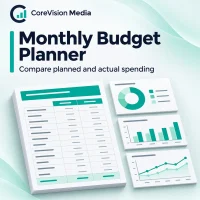
Use the tracker to explain transactions and receipts. Use the budget planner to compare category spending with amounts planned in advance.
Related workbook: Monthly Budget Planner. For product or compatibility questions, contact CoreVision Media.
Reviews
There are no reviews yet.