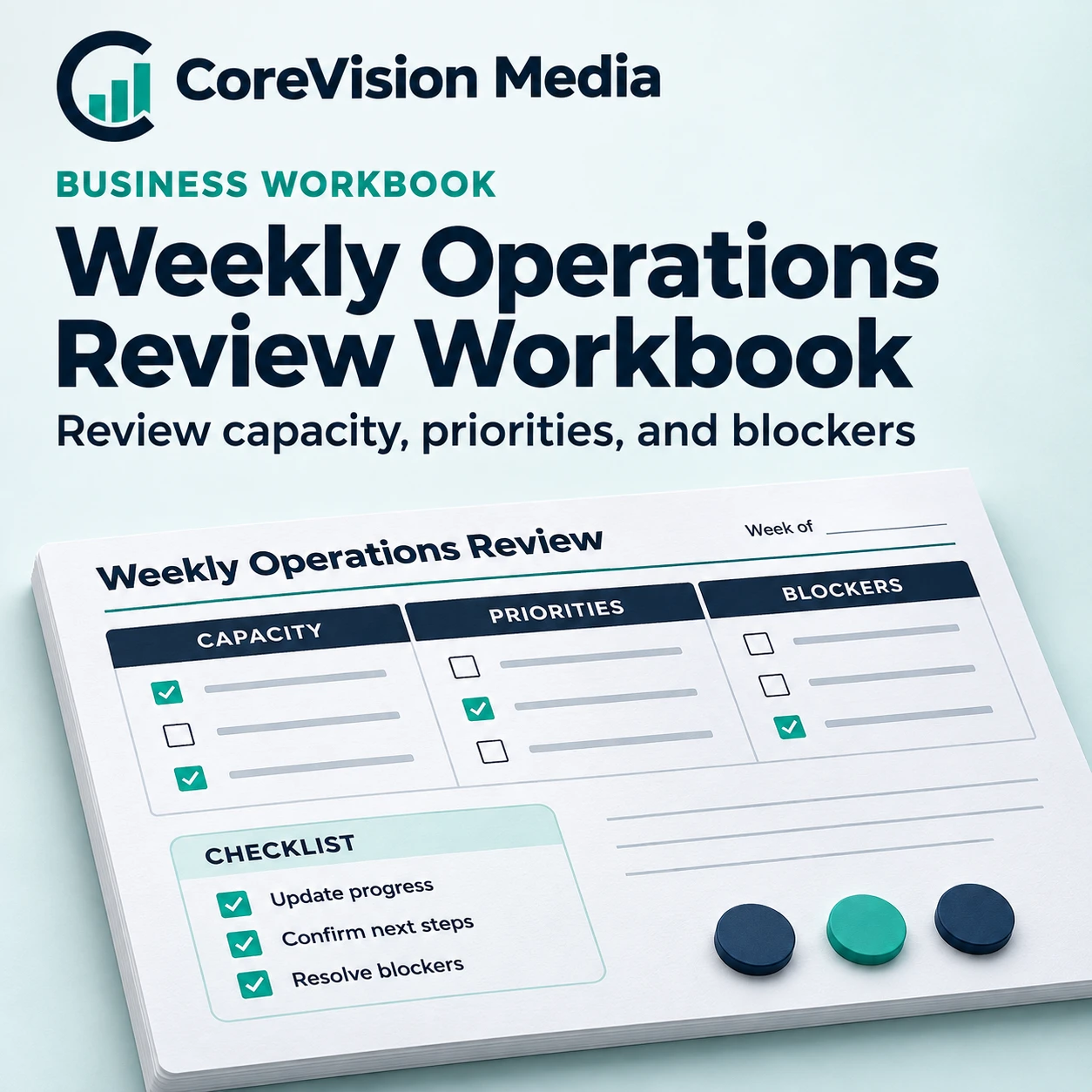
Weekly Operations Review Workbook
$99.00
Prepare for a weekly operations meeting with the commitments, available capacity, and unresolved issues that matter most. Leave the meeting with named owners and a plan for the next review.
Description
Weekly operations review workbook for Excel
Confirm deadlines and available hours before discussing new work. Mark the tasks that depend on a customer, supplier, or another team member. For each blocker, write the person responsible for the next action and the latest useful response date. Before the meeting ends, share the priorities and carry forward only the decisions that still need a check.
Inputs and reporting views
- Week and owner. Identify the reporting period and who owns each commitment
- Planned effort. Record the hours required for each priority
- Available capacity. Compare team time with planned work
- Blockers and actions. Record the dependency, next action, and review date
How to use it
- List the work due this week and the person responsible for each item. Add estimated effort where useful and compare planned hours with the time the team has available after recurring work.
- Review blockers before adding priorities. Decide whether each item needs a change in scope, an owner, or a revised deadline. Keep a record of decisions and review dates so the following meeting starts with progress.
Worked example
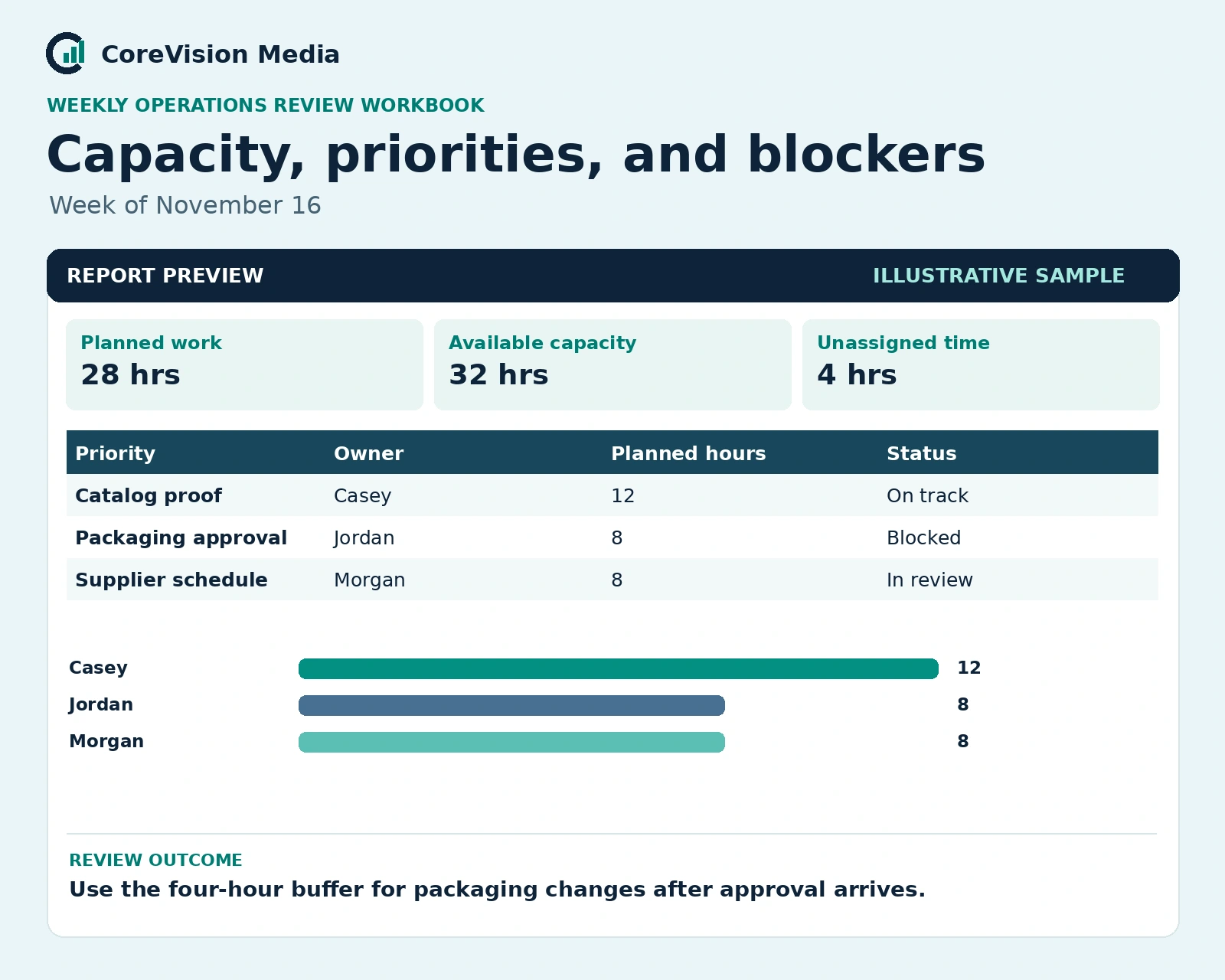
28 hours planned, 32 available
The team has four hours available for changes. Keep that time free until the packaging approval is resolved, then decide whether to commit it to a new task.
A packaging approval that is still pending can block both production and delivery. Assign one person to obtain the approval and preserve time for changes until the supplier confirms its schedule.
Who it’s for
Small teams, agencies, and service businesses that coordinate recurring work and shared capacity.
Frequently asked questions
What is the difference between capacity and workload?
Capacity is the time the team can use in the review period. Workload is the time needed for the commitments already on the schedule.
Should I use the project tracker instead?
Use the project tracker to maintain task-level deadlines. Use this workbook to review priorities and capacity across the week.
Related workbook: Project Tasks and Deadlines Tracker. For product or compatibility questions, contact CoreVision Media.

Reviews
There are no reviews yet.